Environmental Information
1. Settled in Swiftrans
Open the Swiftrans system and register a business account. Registered Address: https://merchant.swiftrans.id/signup
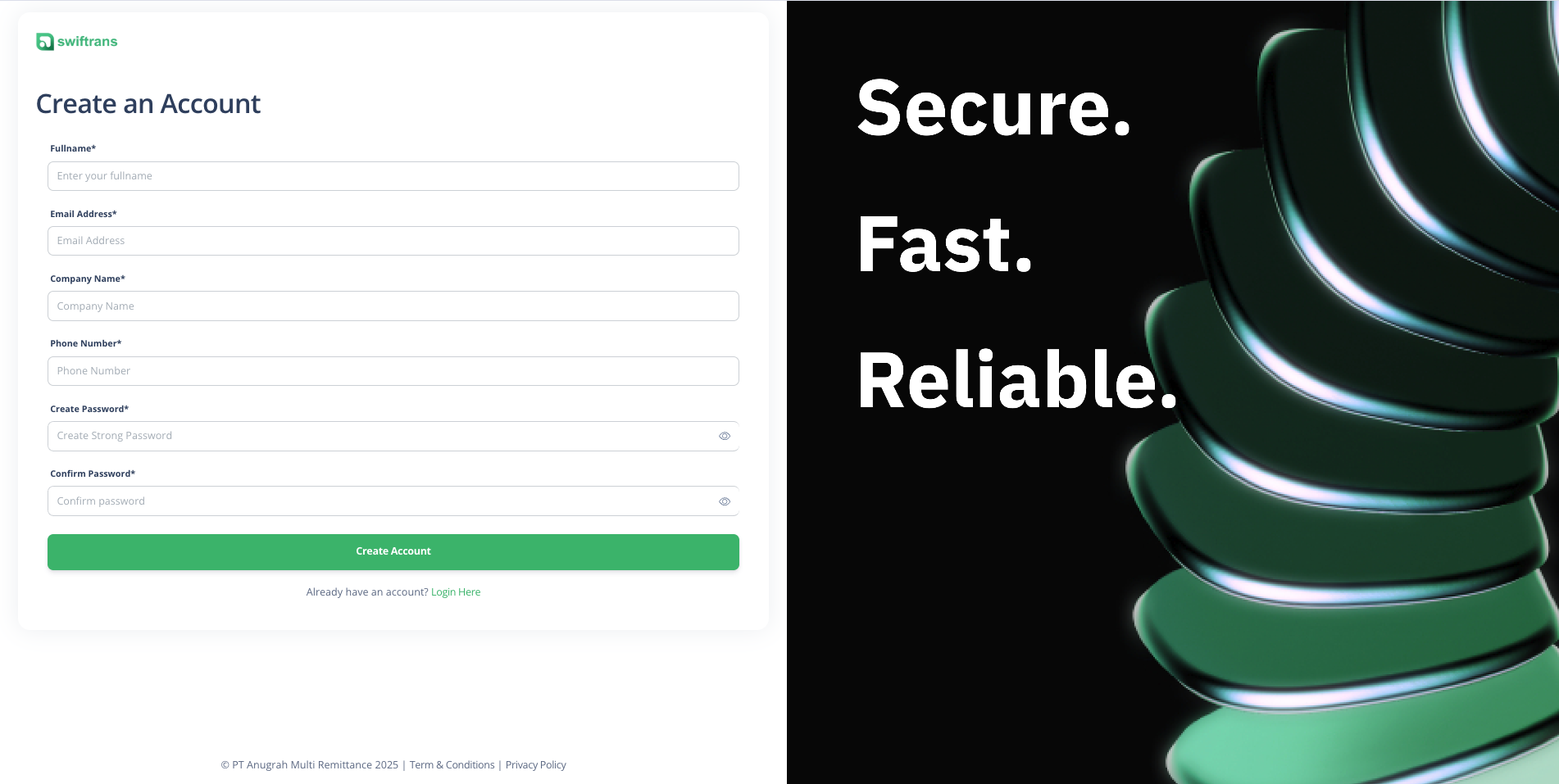
{warning} After registration, click "Go to API Dashboard" to enter the API Sandbox environment. If you need to use the production environment, please upgrade your account and apply for an APP Key according to the steps below.
2. Apply APP Key
Please apply for APP Key on the Business Dashboard page. After the application is approved, you can go to the API Dashboard to obtain the production environment materials.
3. Material information
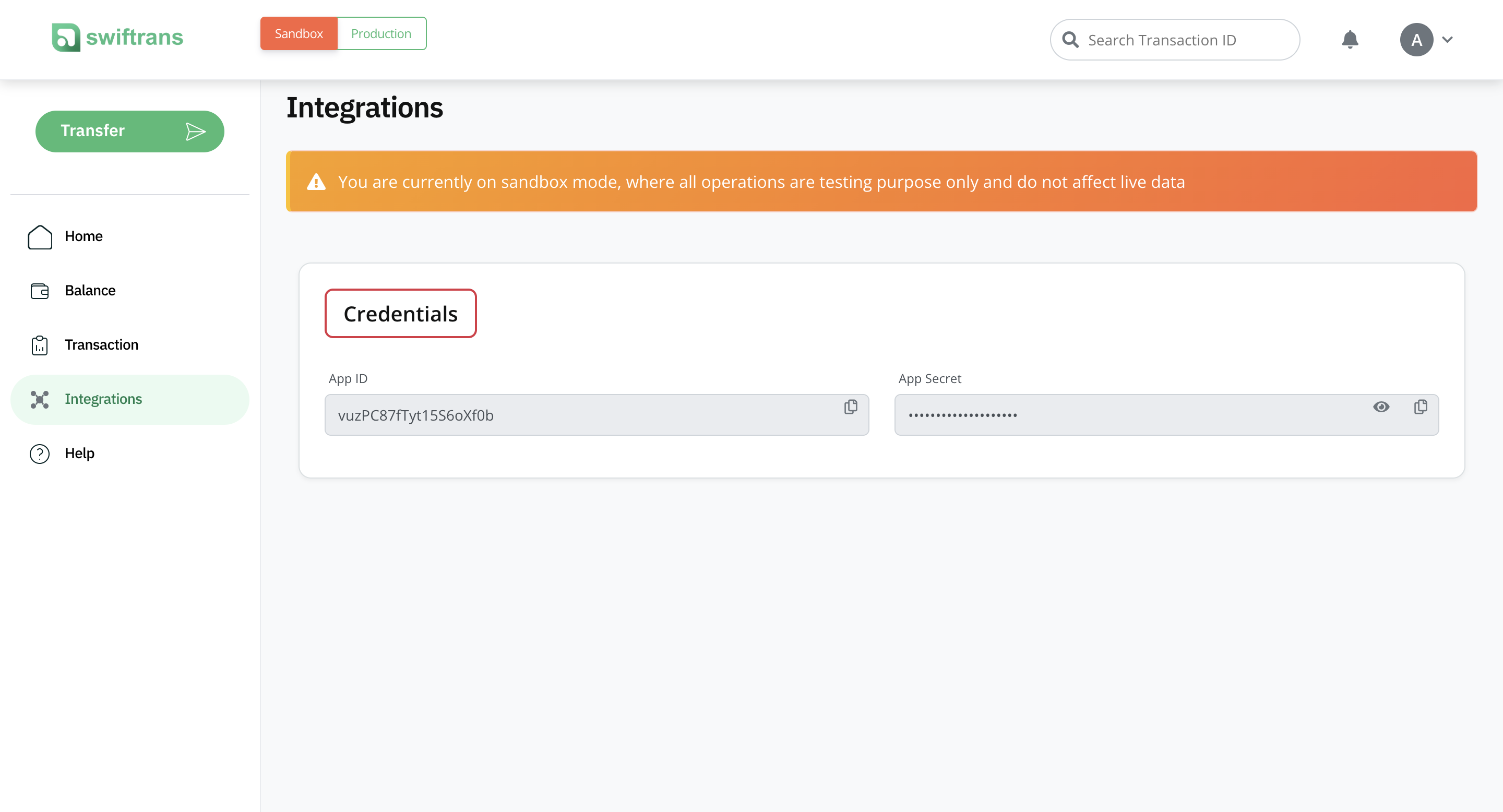
In the merchant apps , Go to Integrations to view your APP ID & APP KEY and also you can set your Callback URL
API Base URLs
| Environment | Base URL |
|---|---|
| Sandbox | https://sandbox.swiftrans.id:9090 |
| Production | https://openapi.swiftrans.id:7654 |
Authentication
All API requests require authentication using your access token obtained from the login endpoint. Include the token in your request headers:
Authorization: Bearer {access_token}
Content-Type: application/json
Accept: application/json
Response Format
All API responses follow a consistent JSON format:
{
    "success": true,
    "message": "Request successful",
    "data": {
        // Response data here
    },
    "meta": {
        "timestamp": "2024-01-15T10:30:00Z",
        "version": "1.0"
    }
}
3. API call instructions
Request Headers
All requests must include the following headers:
| Header | Required | Description |
|---|---|---|
Authorization |
Yes | Bearer token for authentication |
Content-Type |
Yes | Must be application/json |
Accept |
Yes | Must be application/json |
X-API-Version |
No | API version (default: 1.0) |
Error Handling
When an error occurs, the API will return an appropriate HTTP status code along with error details:
{
    "success": false,
    "message": "Error description",
    "error_code": "ERROR_CODE_HERE"
}
Common HTTP Status Codes
| Status Code | Description |
|---|---|
| 200 | Success |
| 201 | Created |
| 400 | Bad Request |
| 401 | Unauthorized |
| 403 | Forbidden |
| 404 | Not Found |
| 422 | Validation Error |
| 500 | Internal Server Error |